AI Headshots for Teams and Companies
Getting the most consistent headshot results from Generation Headshots.
I've spent 20 years photographing actual teams in person. The most important rule: consistency is key. A random mix of headshot crops and styles across your "people page" makes teams look extremely unprofessional. While this tool is made for individuals (and a full-fledged teams engine is in the works) there are some really helpful settings you can use to create the appearance of consistency when your team members generate their own headshots.
How to get the most consistent look across your team
These are the settings I recommend when I want teams to end up with headshots that feel visually unified — not a mishmash of styles.
Background option 1: Paper Color
The single strongest choice for team consistency. If everyone on your team picks the SAME background color from the paper color options, you'll get a matched set of headshots that look like they were shot in the same studio on the same day. This is the closest AI equivalent to what happens when I book a whole company for a day of in-person headshots.
(examples coming soon)
(examples coming soon)
(examples coming soon)
(examples coming soon)
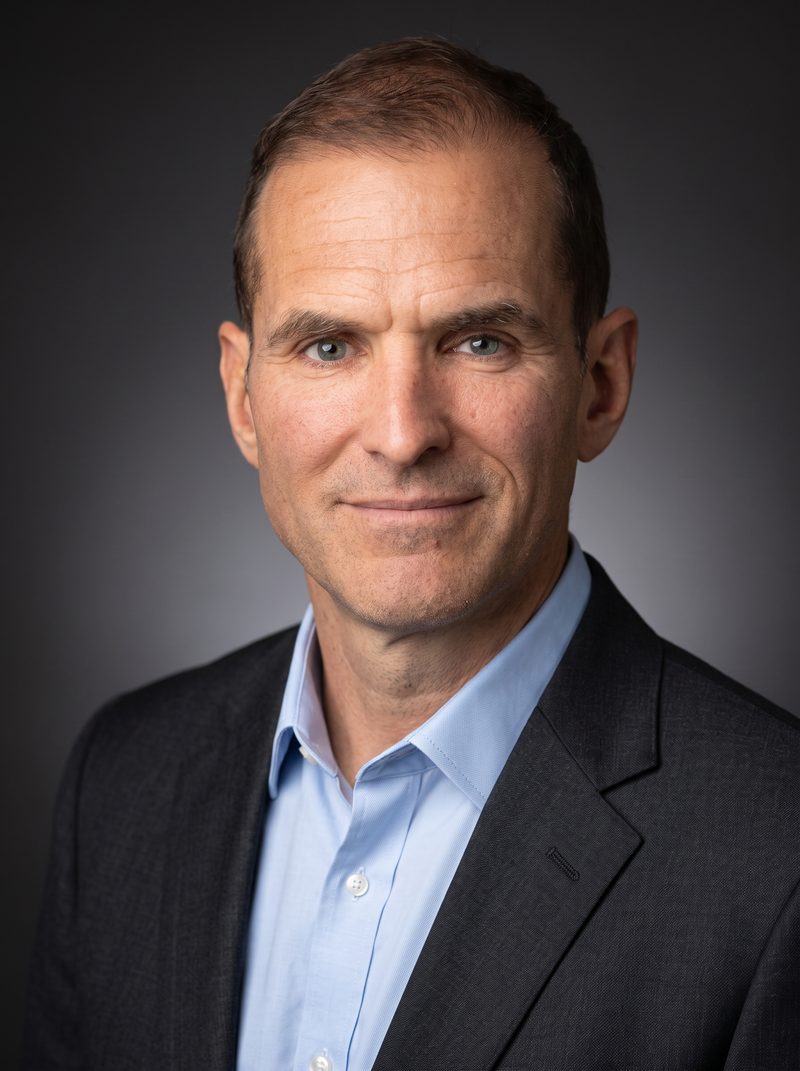

(more coming)
(more coming)
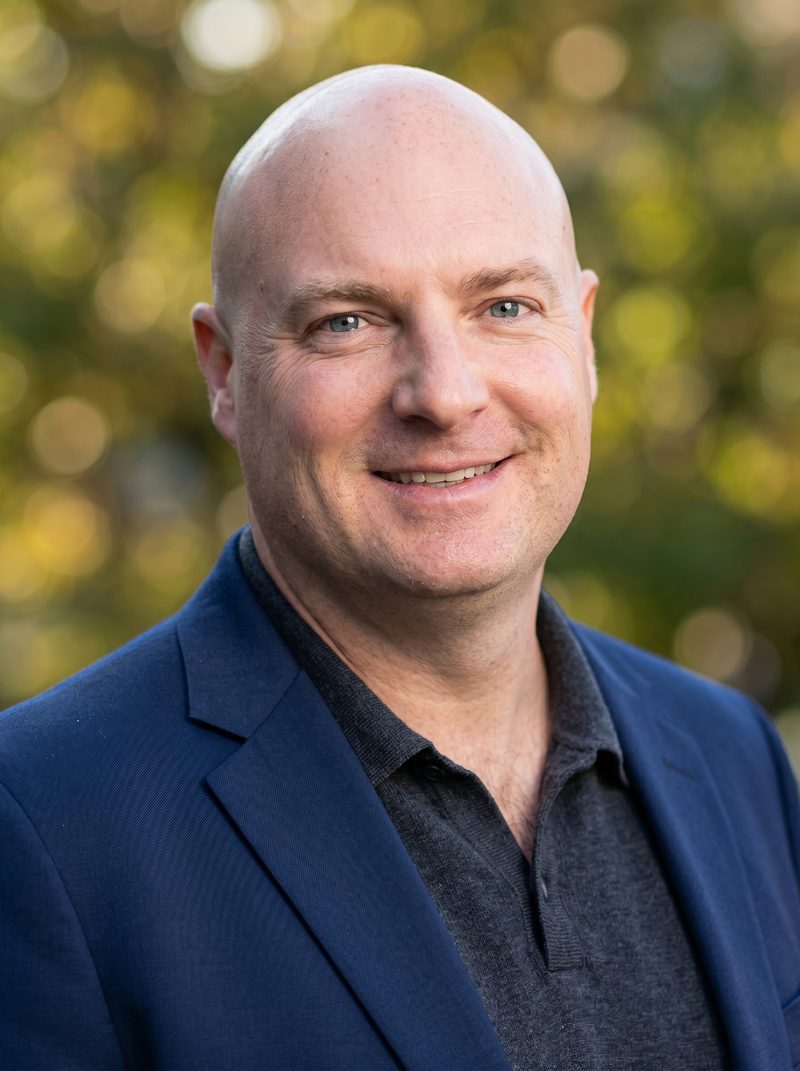
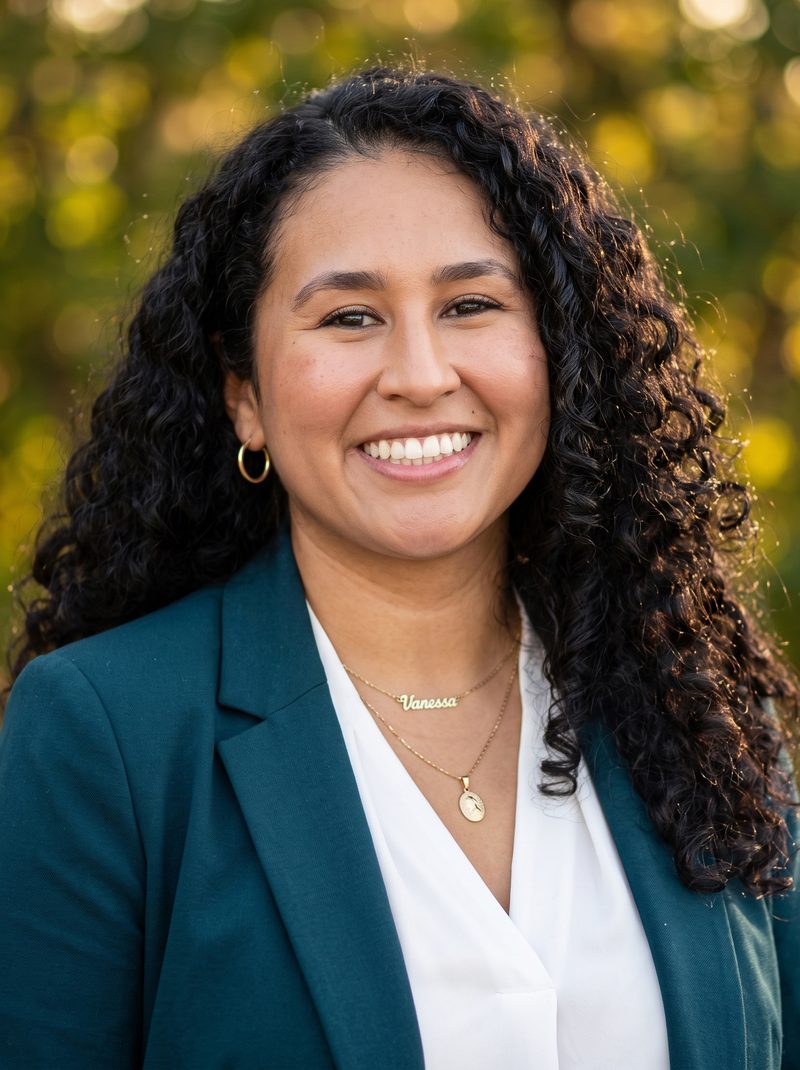
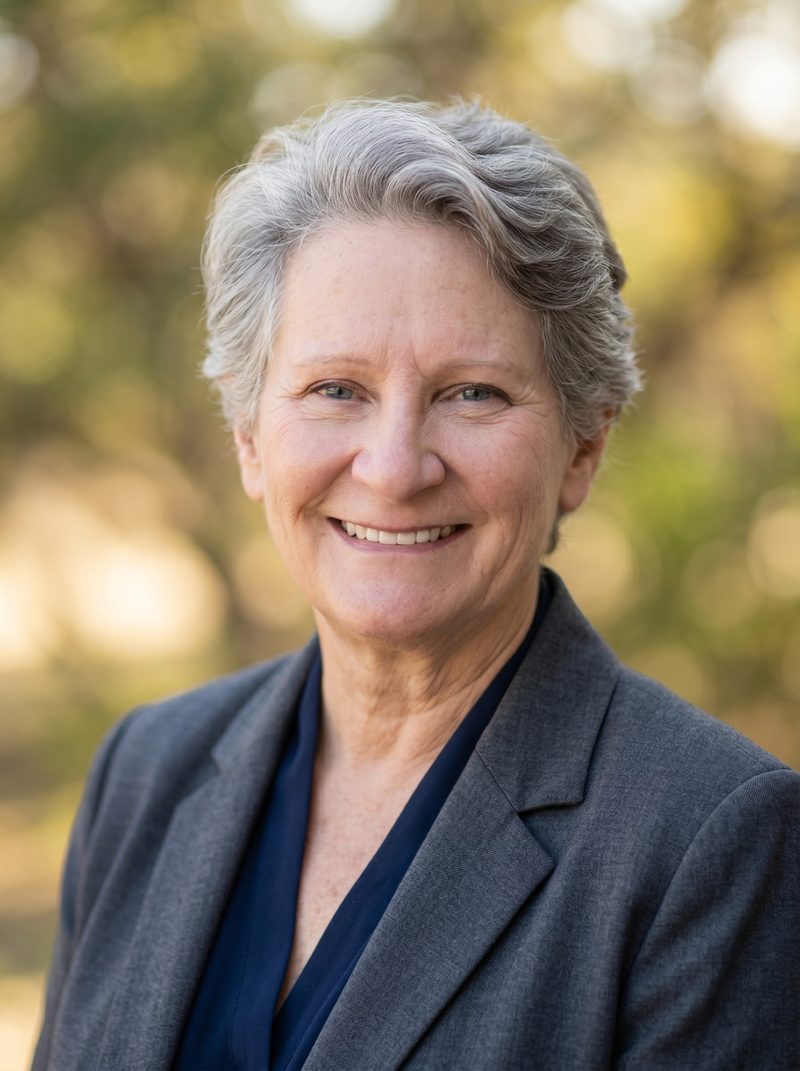
Background option 2: Natural Blurry
The nature blur background is my second recommendation for team consistency. Every team member ends up with a soft, natural, outdoor-looking backdrop — different in exact detail but visually cohesive at a glance. Great for companies with a warmer, less corporate feel (nonprofits, wellness, education).
Background option 3: Tech/IT
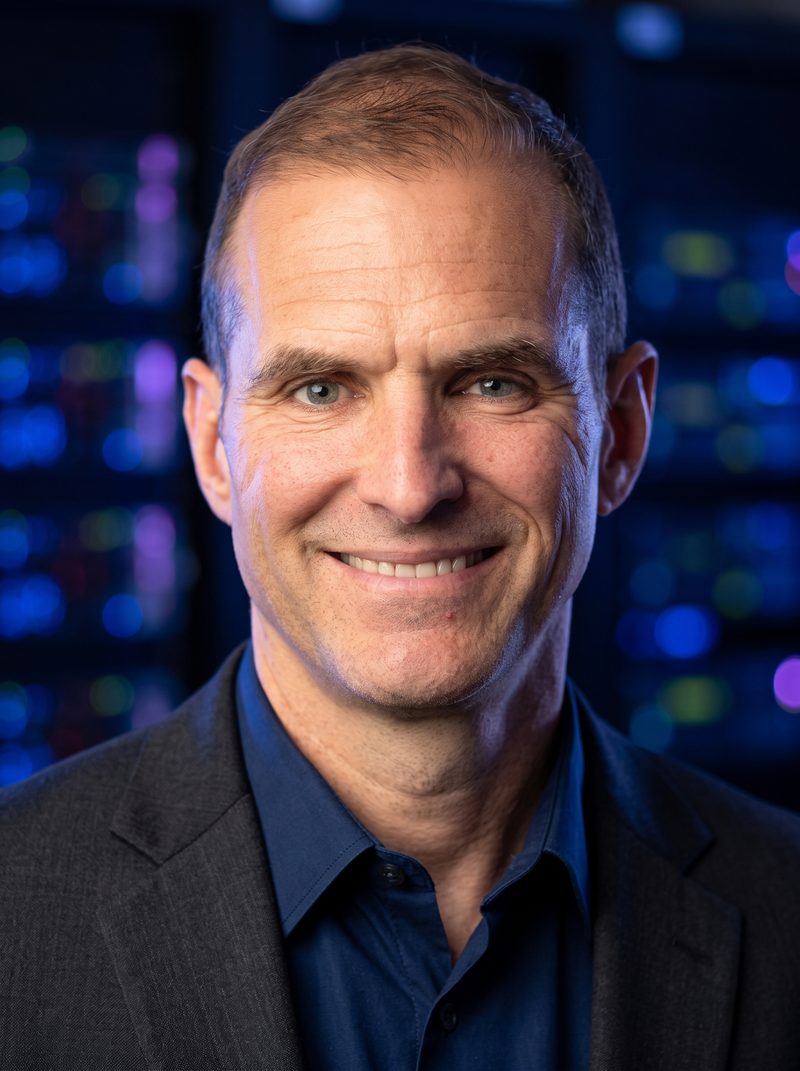
The IT background produces a dark server room with out-of-focus server lights. Slight variation, but consistent enough for teams at software or tech companies.


Work with Kristina directly to code your team's perfect, custom background.
Email KristiConsistent Wardrobe Options
Pick one wardrobe direction and have your whole team use the same option — that's the shortcut to a unified look.
Keep My Outfit
Selecting "Keep My Outfit" tells the AI to use whatever your team member is wearing in the FIRST photo they uploaded. This lets each person's headshot feel authentic to their personal style — and if your team is already dressing in a similar professional register, the outputs stay visually cohesive without forcing a uniform.
Polo
If your team needs to look truly uniform — like a coordinated staff photo — have everyone select the "Polo" option and pick the same color. This is the AI equivalent of "the company gave everyone a matching polo for the photoshoot." Great for retail, hospitality, sales teams, and any customer-facing group.
Other wardrobe options
Business Suit, Business Casual, and industry-specific options (like Medical scrubs) are all available. For maximum team consistency, pick one of these and have everyone use the same option.
Every team member generates their own — within the parameters you set
Here's the important part: even after you set the recommended background and wardrobe for your team, each team member should still generate their OWN headshots to find the one that best captures their likeness. AI doesn't get every face right on the first try — different reference photos produce different levels of "that really looks like me." And after 20 years behind the lens, I'm not making another AI headshot app that "doesn't look anything like me." So that's why I suggest each team member use the settings you choose and pick the one that looks most like them.
The workflow I recommend for teams:
- 1Company sets the parameters — background color, wardrobe style — and shares them with the team.
- 2Each team member generates their own headshots using those exact settings.
- 3Each person picks the headshot that most looks like them from their own outputs.
- 4Result: a team of headshots that are visually consistent AND each individually look like the real person.
Ready to roll this out to your team?
Email me at kristi@kristinasherk.com — I'll help you settle on the exact background and wardrobe combination that fits your brand, and can code you a fully custom background if you have specific brand colors you want matched.